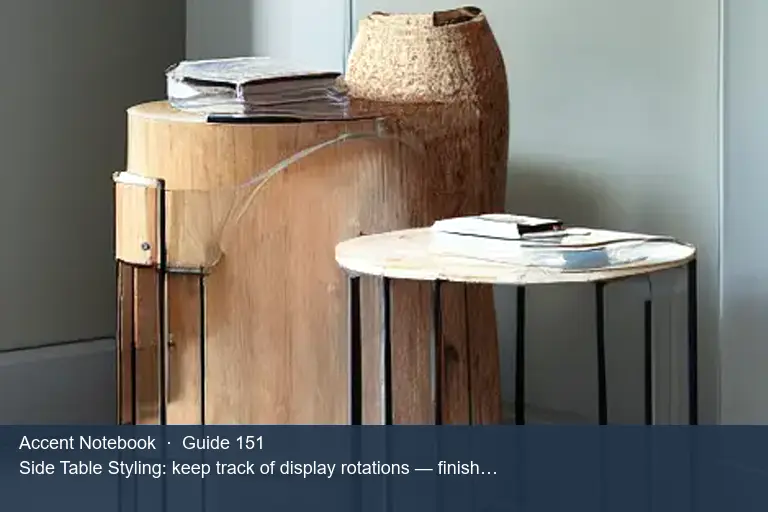
Side Table Styling: keep track of display rotations — finish criteria for mixed item sizes; setup with paper records
**Side Table Styling: A Guide for Mixed Item Sizes**
In the world of side tables, the art of styling them to maintain optimal display rotation and functionality is paramount. As side tables come in various sizes, ensuring they are properly aligned and rotate with ease is crucial for optimal user experience. This article delves into the practical task of side table styling, focusing on maintaining display rotations for mixed item sizes while adhering to paper-based records.
**1. Understanding Display Rotations**
First, it's essential to understand the principles of side table display rotations. Typically, side tables are designed to rotate in a way that allows for efficient movement of items. For instance, if you have a large display in one side of the table, you can rotate that side to display smaller items. Conversely, you can rotate the other side to display larger items. This principle is crucial for optimal user experience, as it enables items to be easily accessed and displayed in the right place.
**2. Setting up a Paper-Based Record**
Setting up a paper-based record is crucial for maintaining the accuracy and reliability of the document. This involves ensuring that the document is free from errors and that the records are consistent. Here's how you can set up your paper-based records:
- **Prepare your paper-based records**: Ensure you have a clean, uncluttered space for the records. This includes using a dedicated area for side tables and ensuring that the table is flat and level. - **Use a dedicated space**: Designate a specific area for side tables. This could be a designated table or a dedicated shelf within a room. This ensures that the records are easily accessible and that the document is not cluttered. - **Maintain order**: Keep the records in order and make sure they are in the correct orientation. This includes using a ruler or a marker to ensure that the records are consistent and aligned.
**3. Maintaining Display Rotations for Mixed Item Sizes**
Maintaining display rotations for mixed item sizes involves ensuring that the items in each side of the table are evenly distributed. This ensures that items can be rotated in the right place, allowing for optimal user experience. Here's how you can maintain display rotations for mixed item sizes:
- **Align the items**: Ensure that the items in each side of the table are aligned and positioned in a consistent manner. This includes using a ruler or a marker to ensure that the items are evenly distributed and positioned. - **Use a consistent orientation**: Use a consistent orientation for the items in each side of the table. This includes using a ruler or a marker to ensure that the items are aligned and in a consistent manner.
**4. Conclusion**
In conclusion, side table styling is a crucial aspect of maintaining optimal user experience and functionality. By understanding display rotations, setting up a paper-based record, and maintaining display rotations for mixed item sizes, you can ensure that side tables are properly aligned and rotate with ease, allowing for efficient user movement. Remember, the goal is to maintain the accuracy and reliability of the document, ensuring that items can be easily rotated in the right place, allowing for optimal user experience.