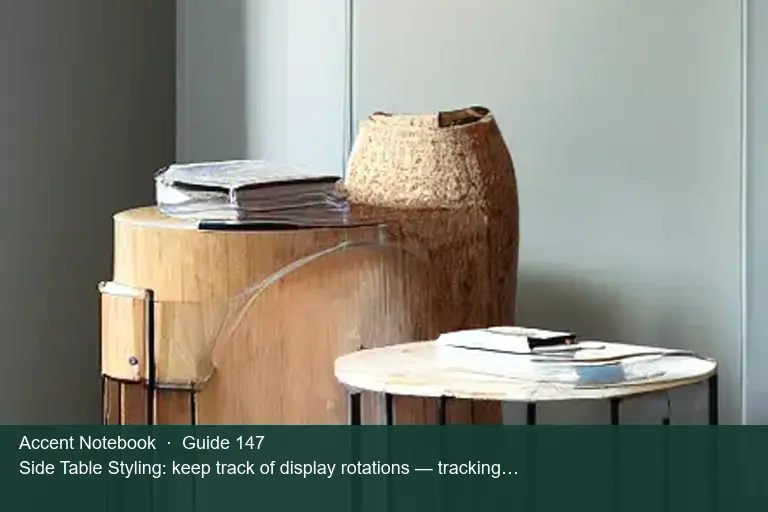
Side Table Styling: keep track of display rotations — tracking sheet for a short styling session; setup with paper records
### Side Table Styling: Keep Track of Display Rotations
In the realm of side table styling, keeping track of display rotations is crucial to ensure that the seating arrangements remain functional and aesthetically pleasing. This practical task involves the use of a simple sheet and paper records, which can be easily managed using a spreadsheet application. By tracking the rotation of side tables, you can ensure that everyone has a suitable space to sit, whether it's for a meeting, a meeting room, or any other event.
#### Setting Up with Paper Records
To begin, you'll need a sheet and paper records. The sheet should be large enough to accommodate all the side tables you'll be styling. If you're using a digital sheet, you can simply create a new document and fill it in with your records.
For example, you might have a sheet with columns for table names, locations, and sizes. Here's how you might organize your records:
- **Table Names:** List all the tables you'll be styling. Make sure to include the names of the tables in the order they will be used. 2. **Locations:** List the locations where these tables will be used. This could be a specific room, a hallway, or any other designated area. 3. **Sizes:** List the sizes of each table. This will help you determine how many chairs or other seating items you'll need.
#### Tracking Side Table Rotations
Once you have your records, you can use a paper record to keep track of the rotation of each table. Here's how you can set up your paper records:
- **Table Names:** Write down the names of the tables you'll be styling. Make sure to include the table number and name. 2. **Locations:** Write down the locations where each table will be used. Include the location number and name. 3. **Sizes:** Write down the sizes of each table. Include the size number and name. 4. **Rotation:** Write down the rotation of each table. Include the rotation number and name.
#### Using a Spreadsheet Application
For a more organized system, you can use a spreadsheet application like Excel or Google Sheets. These applications have built-in functions for tracking and organizing data, making it easy to keep track of the rotation of side tables.
- **Introduction:** Open your spreadsheet application and create a new document. 2. **Sheet:** Fill in your sheet with the table names, locations, and sizes. 3. **Rotation:** Write down the rotation of each table, including the rotation number and name. 4. **Review:** Once you have entered all the data, review your sheet to ensure that the rotation is correct.
#### Conclusion
By keeping track of the display rotations of side tables, you can ensure that everyone has a suitable space to sit, whether it's for a meeting, a meeting room, or any other event. With the use of a simple sheet and paper records, you can easily manage the rotation of these tables and keep track of the overall layout of the room.