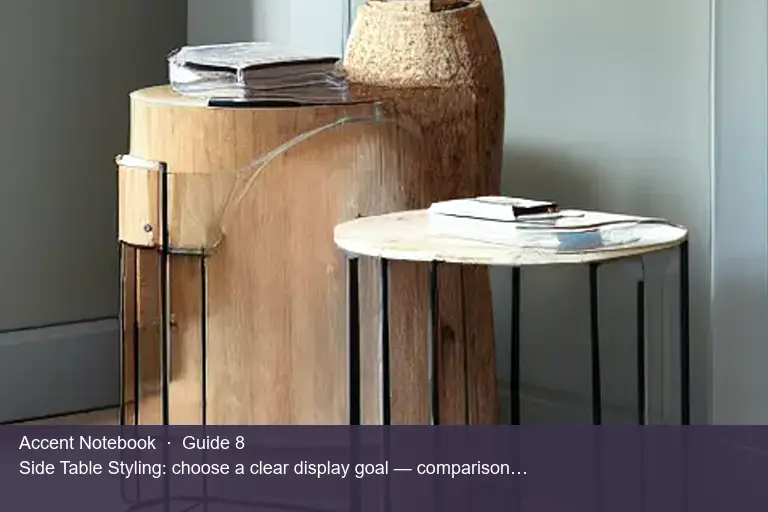
Side Table Styling: choose a clear display goal — comparison table for a short styling session; setup with paper records
Choosing a clear display goal for side table styling is crucial for a successful, efficient, and effective presentation of your documents. In a short styling session, a clear goal should be focused on the primary purpose of the document. For a paper-based record, this could be to ensure that the information is presented in a clear and easy-to-read manner. The goal should be specific and actionable, such as "make all text readable and legible" or "ensure that important information is easily accessible."
- **Create a clear display goal:** Start by brainstorming the primary purpose of the document. For a paper-based record, this might be to make sure that all the text is legible and accessible. Next, identify the specific documents or information that need to be clearly presented. For example, if the document is about financial records, the goal might be to make sure that the numbers are easily accessible and readable.
- **Identify the specific documents or information:** After creating a clear display goal, the next step is to identify the specific documents or information that need to be clearly presented. In this case, the goal might be to make sure that all numbers are easily accessible and readable. To do this, gather the documents or information and note down any specific numbers or data points that need to be clearly presented.
- **Create a list of steps:** Once you've identified the documents or information, create a list of steps to follow. For example, the steps might be:
- Open the document or information
- Locate the specific numbers or data points
- Ensure that the numbers or data points are easily accessible and readable
- **Choose the tools:** Next, choose the tools that will help you create a clear display goal. In this case, paper-based records would require a clear display goal tool, such as a text editor or a document management system. For example, if you're using Microsoft Word, a text editor would be a good choice.
- **Implement the tool:** Once you've chosen the tools, implement them in a short styling session. For example, if you're using Microsoft Word, you might start by opening the document or information and locating the specific numbers or data points. Then, you might use a text editor to create a list of steps to follow. For example, you might write:
- **Review and refine:** After implementing the tools, review and refine the results. For example, you might review the results and make sure that all the numbers or data points are clearly accessible and readable.
- **Document your results:** Finally, document your results in a clear display goal tool. For example, you might create a document that outlines the steps to follow and the tools that were used to create them.
In conclusion, choosing a clear display goal for side table styling is crucial for a successful, efficient, and effective presentation of your documents. For a paper-based record, a clear goal should be focused on the primary purpose of the document. The goal should be specific and actionable, such as "make all text readable and legible" or "ensure that important information is easily accessible." By following these steps, you can create a clear display goal that will help you present your documents in a clear and easy-to-read manner.